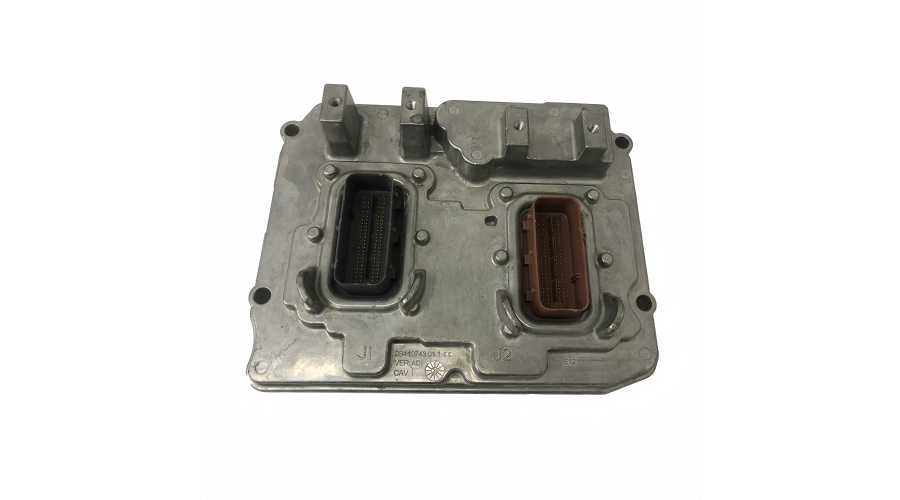
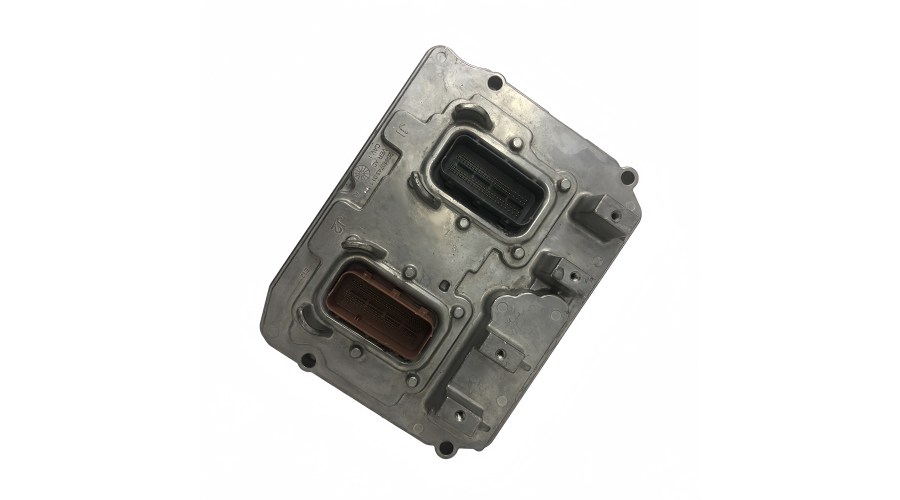
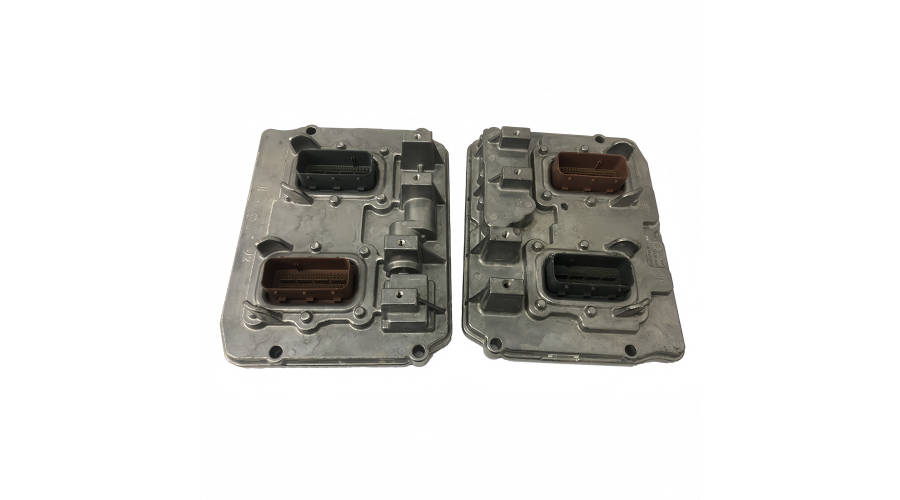
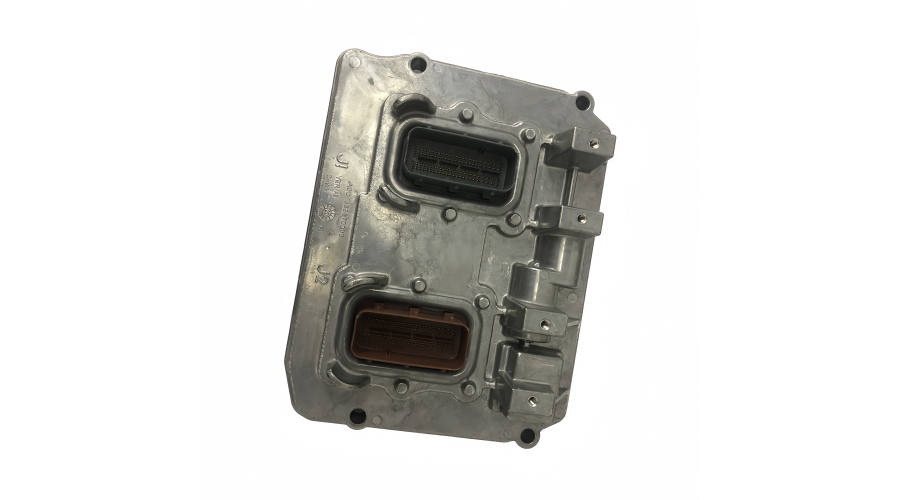
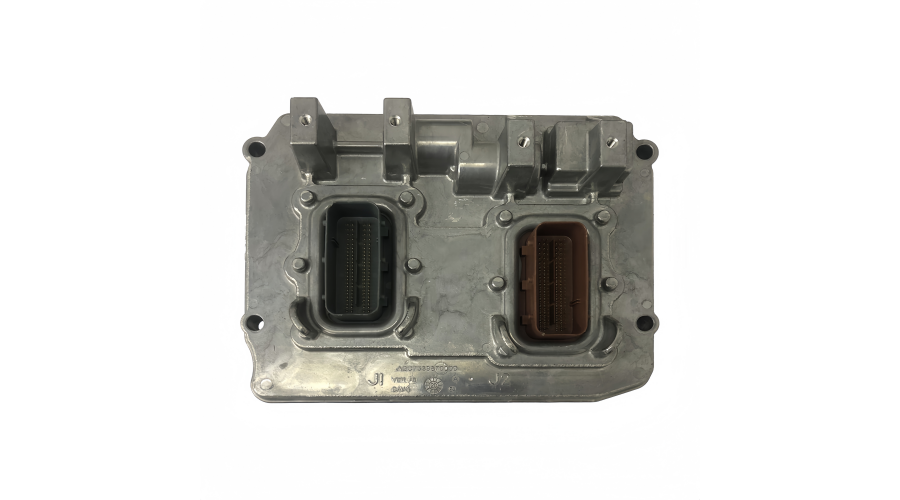
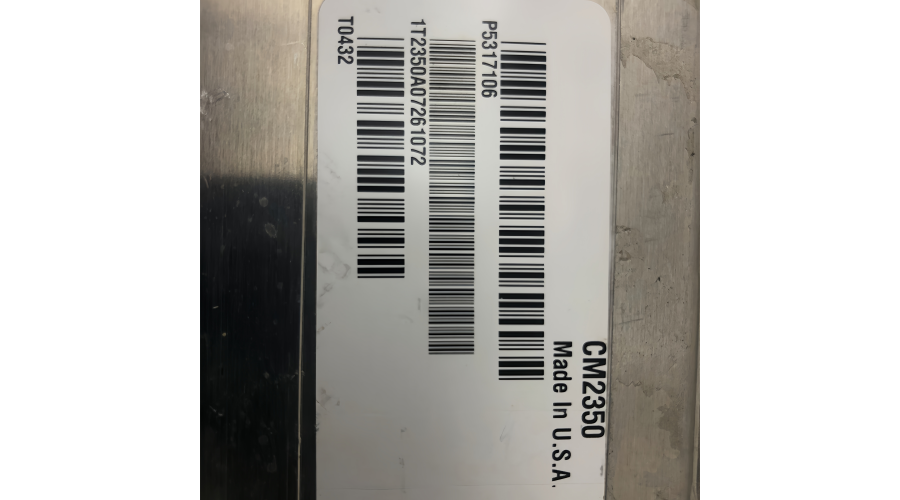
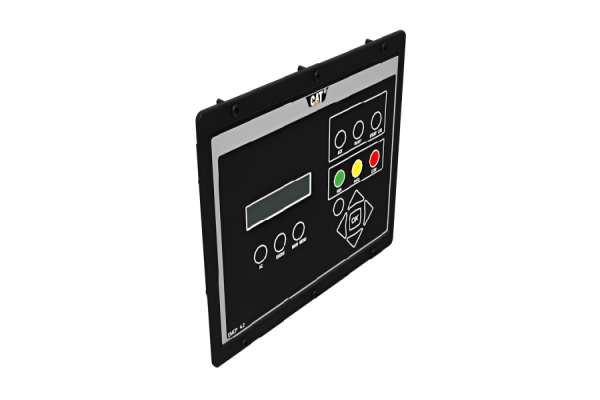
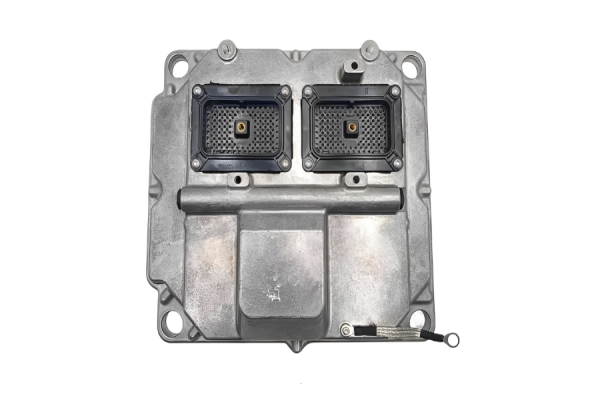
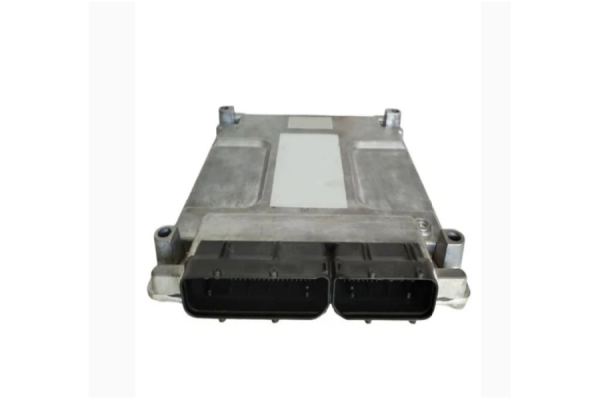
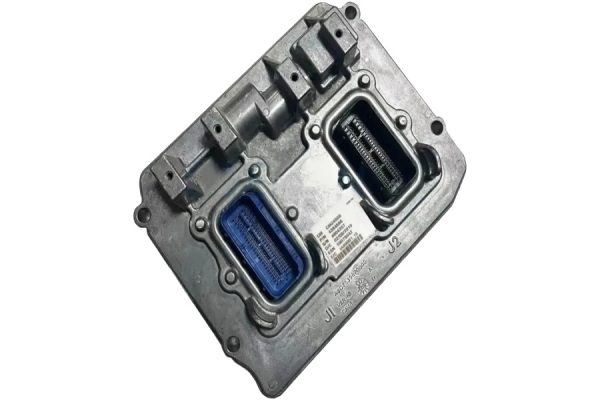
CM2350 is a critical identifier for Caterpillar engines, but it's more specific than a "control panel part number."
Here’s a detailed breakdown of what CM2350 (and similar codes) actually means:
1. It's an Engine Control Module (ECM) Family/Software Designation
The "CM" stands for "Controller Module."
The number "2350" is a controller design/software strategy code. It defines the hardware and software architecture of the ECM.
Engines that use the CM2350 ECM will have very similar diagnostic procedures, software (like Caterpillar's ET software), and communication protocols, even if the engines themselves are different models.
2. It Correlates to Specific Engine Models
The CM2350 ECM was used on a major family of Caterpillar's on-highway and off-road engines. Key engine models controlled by a CM2350 ECM include:
C15 & C18 (Very common in heavy-duty trucks)
C13
C11
C9
Certain C7 engines (later versions)
Some industrial and marine versions of the above engines.
3. How It Relates to "Part Number"
This is where it gets detailed. You cannot order a part simply as "a CM2350."
The physical ECM (the black box) for an engine with a CM2350 control system has its own specific 8-digit Caterpillar part number (e.g., 280-7568).
That physical ECM part number is flashed with the CM2350 software strategy that is specific to the engine's exact application (e.g., a C15 in a Peterbilt vs. a C18 in a marine application).
When you connect diagnostic software (Cat ET), it will identify the controller as a "CM2350 Control System." The technician will then need to know the engine's Engine Serial Number (ESN) or the ECM's Part Number and Software Group Number (another level of specificity) to get the correct parts and calibrations.
Other Common Controller Families:
CM870 / CM2150: Earlier generation for engines like the C15, C13, C11.
CM2350: The generation you mentioned.
CM2450 / CM2500: Newer generation for later-model C13, C15, C18 engines and X15 engines.
CM for larger engines (e.g., 3512/3516).
ADEM 2000/3000/4000: Older generations before the "CM" naming convention.
Practical Takeaway:
If someone says, "It has a CM2350," a Caterpillar technician understands:
The general family of the engine (likely a C9-C18).
The diagnostic tool and procedures they will need.
That they must find the Engine Serial Number to get the exact software files, calibration, or replacement part numbers.
In summary: You are right that CM2350 is a key identifier for the engine's electronic control system, but it's a system/software designation, not a single purchasable part number. The physical ECM and its software calibration each have their own specific part numbers that tie back to the CM2350 platform.
This is a crucial distinction for anyone ordering parts or working on these engines. Always lead with the Engine Serial Number (ESN) when seeking parts or support.
Important Safety & Legal Notice: Installing or replacing an ECM (Engine Control Module) is a highly technical procedure that can severely damage your engine, cause operational failure, or lead to safety hazards if done incorrectly. This guide is for informational understanding only.
It is strongly recommended that this procedure be performed by a qualified Caterpillar technician or authorized dealer. They have the necessary software, security clearance, and calibration files to perform the task correctly and legally.
However, to understand the full scope of what a professional installation entails, here is the detailed, step-by-step process.
Prerequisites (What You MUST Have Before Starting)
Correct ECM: The new/replacement ECM must be the correct Caterpillar Part Number for your specific Engine Serial Number (ESN) and application. A "blank" or used ECM from another engine will not work without being properly flashed.
Diagnostic Tools: Caterpillar Electronic Technician (ET) software and a compatible communication adapter (e.g., Caterpillar Communication Adapter III).
Factory Passwords: Critical security functions require a Factory Password, which is only available to authorized dealers/technicians. You cannot program certain parameters without it.
Latest Software & Calibrations: Access to Caterpillar's online service information system (SIS) to download the correct configuration files for your ESN.
Personal Protective Equipment (PPE): Safety glasses, and ensure the engine is off and the battery is disconnected.
Professional Installation & Programming Procedure
Step 1: Preparation & Information Gathering
Record ALL Original Data: Before disconnecting the old ECM, use Cat ET to:
Read and record the Engine Configuration (all parameters).
Note the Software Group Number and ECM Part Number.
Record any custom parameters (governor settings, power ratings, etc.).
Obtain the NEW ECM's Information: Have the new ECM's part number and serial number ready.
Step 2: Physical Removal of the Old ECM
Shut down the engine and allow it to cool.
Disconnect the negative (-) battery cables from ALL batteries. Wait at least 2 minutes for capacitors in the ECM to discharge.
Label all connectors (J1/P1, J2/P2) and wiring harnesses if they are not already clearly marked.
Disconnect the wiring harnesses by unlocking the connectors and pulling straight off.
Remove any mounting bolts or brackets securing the ECM.
Carefully remove the old ECM.
Step 3: Physical Installation of the New ECM
Handle with care. Avoid static discharge by touching a grounded metal surface first. Do not touch the connector pins.
Mount the new ECM in the same location using the brackets and bolts. Ensure it is secure and free from excessive vibration.
Reconnect the wiring harnesses to the correct ports. Ensure they are fully seated and the locking levers/clips are engaged.
Reconnect the negative battery cables.
Step 4: The Critical Programming & Configuration Process (The "Installation")
This is where the real work happens. The physical swap is simple; the electronic setup is complex.
Connect Cat ET to the diagnostic port.
Flash the Software: The new ECM is likely "blank" or has generic software.
In Cat ET, navigate to the "WinFlash" utility.
You will need to provide the Engine Serial Number (ESN) or the exact Software Group Number from SIS.
The software will download the correct engine calibration files (the "personality" of the engine) and flash them to the ECM. This establishes the CM2350 control strategy.
Perform "ECM Replacement" Procedure:
The old ECM's serial number/part number.
The new ECM's serial number/part number.
The Factory Password to authorize the transfer of ownership in Caterpillar's systems.
Program Unique Identifiers:
Engine Serial Number (ESN): You must program the correct ESN into the new ECM.
VIN (Vehicle Identification Number): For on-highway trucks, this must be programmed.
Total Tattletale (Hours/Mileage): This critical data must be transferred from the old ECM's records to the new one to maintain accurate service intervals. This requires a factory password.
Verify Configuration & Perform Calibrations:
Manually check all engine parameters (rated power, governor type, idle speed, etc.) against your notes from Step 1.
Perform necessary sensor calibrations (timing, fuel, etc.) as prompted by the software.
Clear all inactive diagnostic codes from the replacement process.
Step 5: Final Testing & Validation
Start the engine and let it idle. Monitor for any active fault codes.
Check that all gauges and sensors are reading correctly on the dashboard.
Perform a road test or operational test under load to ensure proper performance, throttle response, and that no new faults appear.