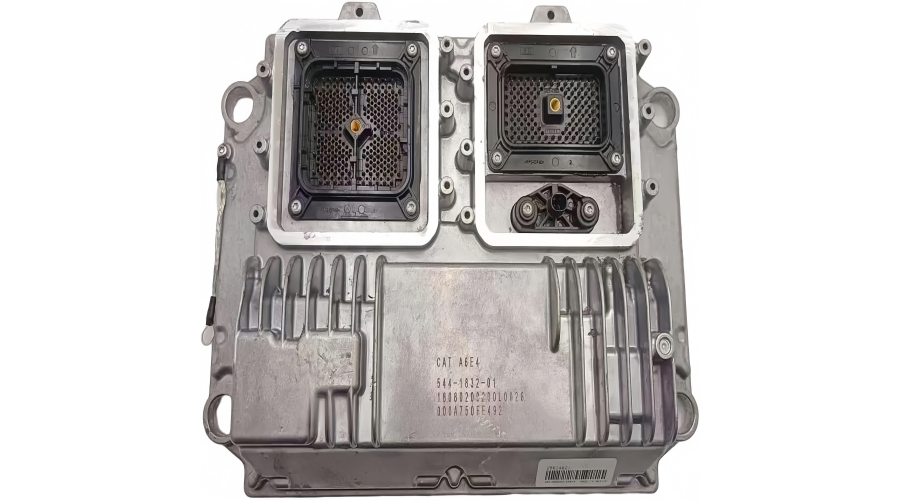
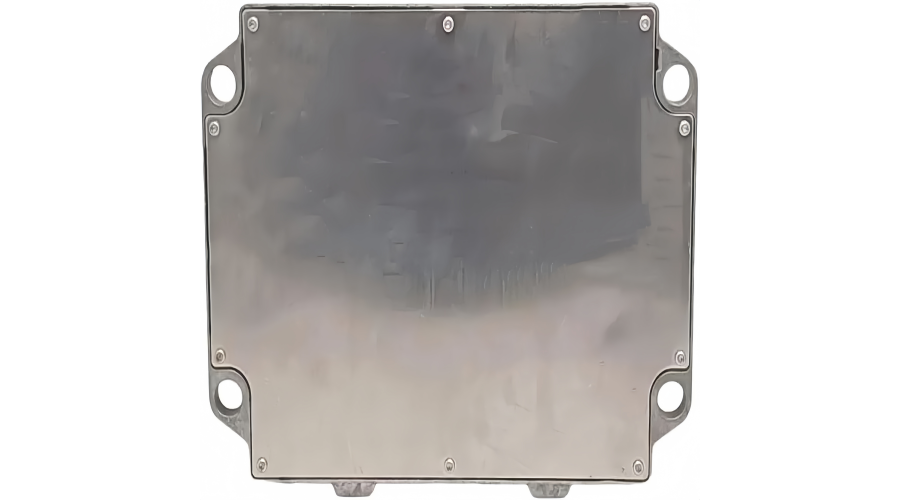
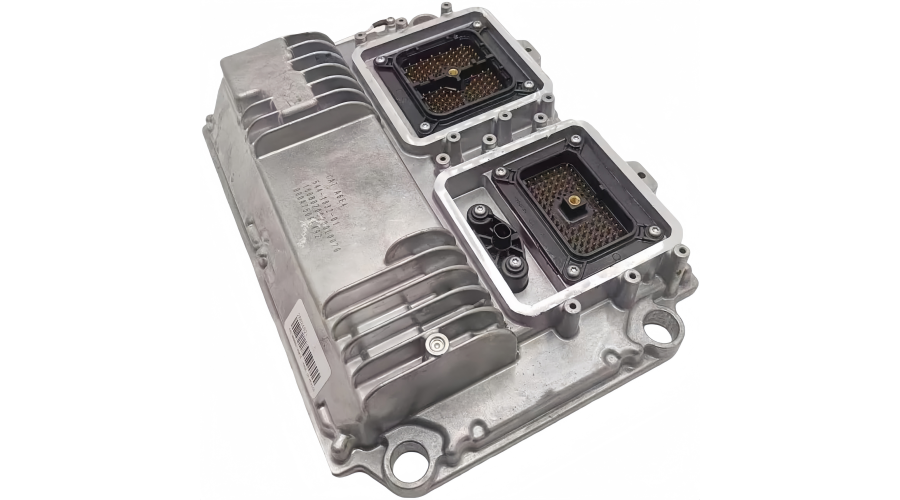
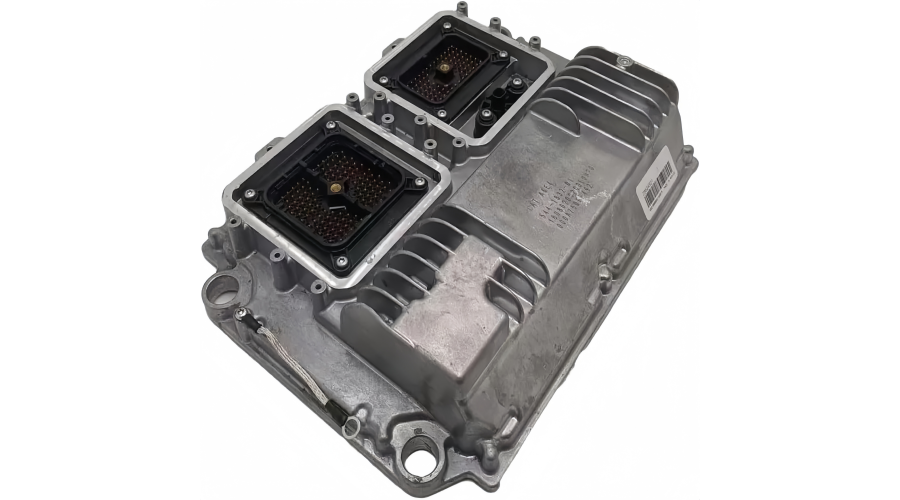
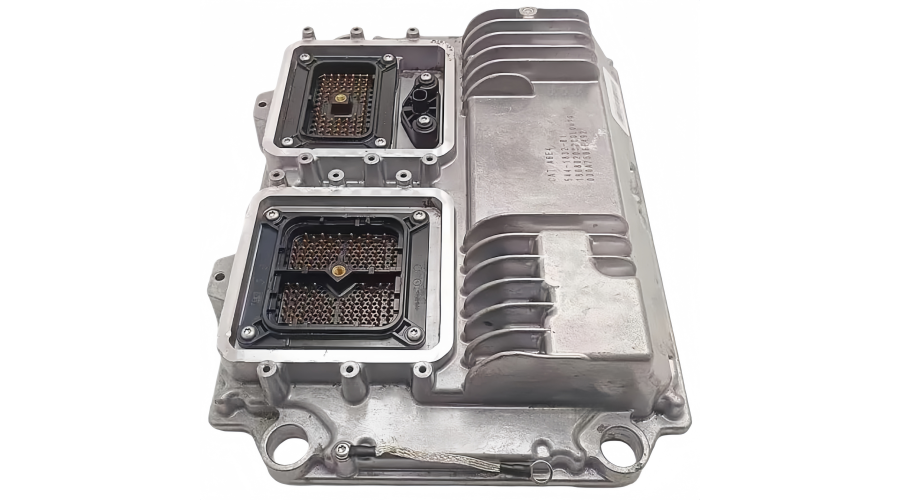
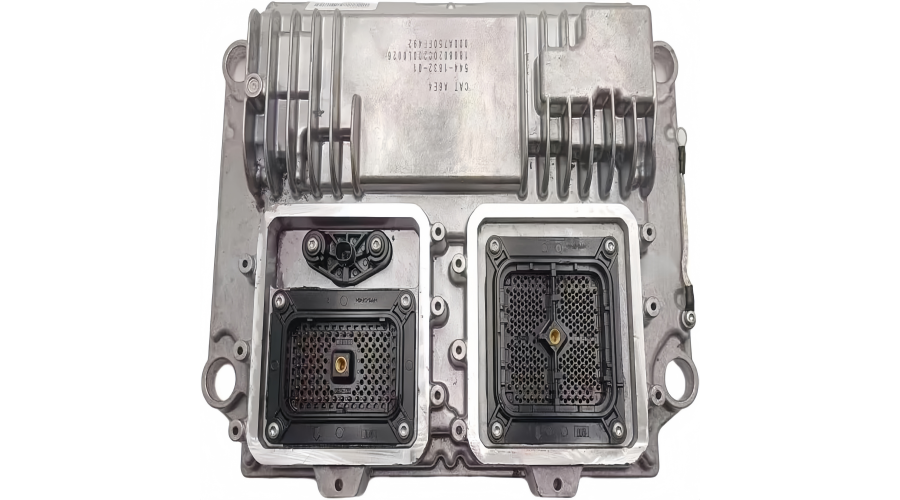
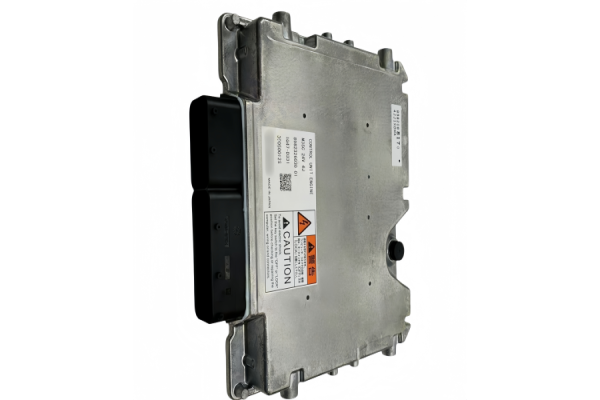
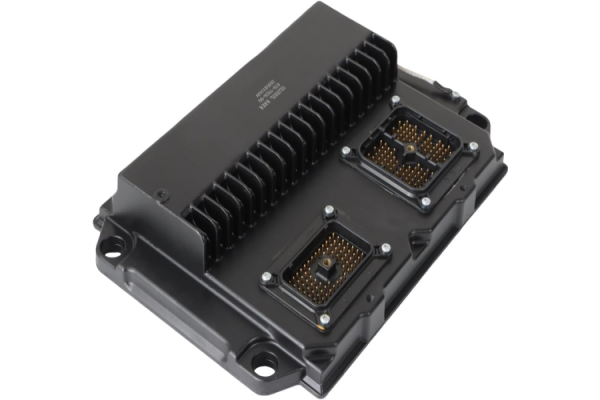
The 544-1832 ECU Electronic Management Module is an electronic control unit used in selected Caterpillar heavy machinery applications. It processes sensor inputs, controls actuators, supports machine communication, and helps manage engine and equipment functions. When the module fails or develops wiring, power, or software-related faults, the machine may experience no-start conditions, derate, intermittent shutdown, communication errors, or multiple diagnostic trouble codes.
What Does the 544-1832 ECU Electronic Management Module Do?
The 544-1832 ECU Electronic Management Module acts as a control computer for selected Caterpillar heavy machinery systems. Depending on the machine configuration, its main functions may include:
Sensor signal processing: It receives and interprets inputs from engine and machine sensors, such as speed, temperature, pressure, and position sensors.
Actuator and output control: It controls outputs such as injectors, solenoids, relays, and other electronic actuators according to programmed strategies.
Engine and machine protection: When sensor values exceed safe limits, the ECU may trigger warnings, derate the machine, or initiate a shutdown strategy to protect components.
Communication and data exchange: It communicates with other control modules and supports diagnostic data links for fault code reading and live data monitoring.
Diagnostic management: It stores active and logged fault codes and supports troubleshooting through compatible diagnostic software.
Software and configuration management: Correct programming and machine configuration are essential after replacement or repair.
Because the ECU interacts with multiple machine systems, a faulty module or a problem in its circuits can produce symptoms that appear to be mechanical or hydraulic failures. Accurate diagnosis is important before replacing the module.
Equipment and Applications for the 544-1832 ECU
The 544-1832 ECU Electronic Management Module is used in selected Caterpillar heavy machinery applications. Depending on machine model, serial number, and configuration, it may be found in equipment categories such as:
Compatibility can vary significantly by machine model, serial number, engine arrangement, and software configuration. Before ordering a replacement, always confirm the original part number 544-1832, the machine model, serial number, and any applicable arrangement number. Do not rely only on the machine family name.
Common Faults and Symptoms
A failing 544-1832 ECU or an issue in its related circuits may produce one or more of the following symptoms:
Machine cranks but does not start
Intermittent no-start or sudden shutdown
Engine or machine derate
Low power or poor response
Communication errors between control modules
No communication with the ECU using diagnostic software
Multiple sensor or actuator fault codes
Injector or solenoid driver faults
Unstable engine speed or rough operation
Corroded connectors, damaged pins, or chafed harnesses
Water intrusion or heat damage at the ECU connector
Not every fault code points to a failed ECU. Battery voltage, grounds, fuses, relays, wiring harnesses, sensors, actuators, and software configuration should all be checked before condemning the module.
Troubleshooting and Repair Advice
1. Read and Record Fault Codes First
Use a compatible diagnostic tool to read active and logged fault codes before clearing anything. Record freeze-frame data and operating conditions. This helps separate an internal ECU fault from an external sensor, actuator, or harness problem.
2. Check Power, Ground, and Communication
Verify battery voltage, main fuses, ignition supply, and ECU grounds. Poor grounds and low voltage can cause communication errors, intermittent shutdowns, and false fault codes. Inspect the data link circuits and connectors for corrosion, loose pins, or water intrusion.
3. Inspect the Harness and Connectors Carefully
Check the ECU connectors and the related machine harness. Look for bent pins, pushed-back terminals, rubbed wires, heat damage, and oil or coolant contamination. A damaged actuator or sensor circuit can mimic an ECU failure.
4. Test Sensors and Actuators
Check sensor reference voltage and signal values with a multimeter or diagnostic software. Test solenoids, injectors, and other actuators according to the service procedure. Avoid replacing the ECU until obvious external circuit faults are ruled out.
5. Confirm Software and Configuration
If the ECU has been replaced or repaired, correct programming and configuration are critical. An incorrectly configured module may allow the machine to start but cause derate, communication faults, or poor performance. Follow the proper programming procedure for the machine model and configuration.
6. Repair or Replace?
Some ECU faults are internal, such as driver circuit failure, memory corruption, or water damage. In these cases, repair or replacement may be required. A tested replacement module with the correct part number and warranty support is often the most practical solution. Keep in mind that plug-and-play installation is not always sufficient; programming and calibration may be needed.
FAQ
Is the 544-1832 ECU the same as an ECM?
In many Caterpillar applications, ECU and ECM are used to describe electronic control modules that manage engine or machine functions. However, always confirm the exact part number, application, and function for your machine.
Can I install a 544-1832 ECU without programming?
Some applications may require programming, configuration, or calibration after replacement. Follow the manufacturer’s service procedure and confirm requirements with your supplier or technician.
What should I check before replacing the ECU?
Check fault codes, battery voltage, grounds, fuses, harness condition, connectors, sensor signals, actuator circuits, and software configuration before condemning the ECU.
Why does the machine show multiple fault codes at the same time?
Multiple fault codes can indicate a shared power supply, ground, communication bus, or connector problem. They can also indicate an internal ECU fault, but external circuit checks should be performed first.